Finishing your thesis is a major milestone, but submitting it involves more than simply saving your document as a PDF and taking it to a printer.
Before your thesis is printed and bound, you need to check the formatting, page numbering, references, figures, tables, margins, cover pages and university-specific submission requirements.
A small formatting mistake can become expensive if you discover it after several copies have already been printed and bound.
This thesis formatting and printing checklist will help you review your document before sending it to a printing and binding service.
Important: Thesis requirements vary between universities, schools, departments and programmes. Always check your institution's current thesis guidelines before printing the final copies. Kenyatta University, for example, publishes separate thesis guidelines for different schools, while the University of Nairobi provides specific thesis submission and printing procedures.
Thesis Formatting Checklist
Before printing, go through your thesis section by section.
1. Check Your University Guidelines
Start with your university's official thesis guidelines.
Check requirements for:
-
Page size
-
Font
-
Font size
-
Line spacing
-
Margins
-
Page numbering
-
Chapter formatting
-
Referencing style
-
Figures and tables
-
Cover page
-
Declaration
-
Binding
-
Number of copies
-
Submission format
Do not rely solely on formatting used by another student. Requirements can differ between universities and even between departments.
For example, Kenyatta University's published regulations specify A4 paper, particular margins, double spacing and specific page-numbering conventions.
2. Check the Page Size
Make sure your document is set to the paper size required by your institution.
A4 (210 × 297 mm) is commonly used for academic theses in Kenya, but confirm your university's requirements before printing.
Do not assume that your word processor's default page settings are correct.
3. Check Your Margins
Review the margins throughout the document.
Pay particular attention to the binding side of the page.
A thesis that looks correctly formatted on screen can become difficult to read if the inner margin is too small after binding.
Your university's guidelines should determine the exact margin measurements.
4. Check Your Font
Make sure your font is consistent throughout the thesis.
Check:
-
Main text
-
Chapter headings
-
Subheadings
-
Tables
-
Figure captions
-
Footnotes
-
References
-
Appendices
Avoid changing fonts unnecessarily between chapters.
If your university specifies a particular font and size, follow those requirements.
5. Check Line Spacing
Review your line spacing before printing.
Academic guidelines may specify single, 1.5 or double spacing depending on the institution and programme.
For example, published Kenyatta University regulations specify double spacing for the thesis text.
6. Check Your Headings
Make sure chapter titles and headings are formatted consistently.
Check that:
-
Chapter numbering is correct
-
Heading levels are consistent
-
Chapter titles use the correct capitalization
-
Subheadings follow the same format
-
No headings are accidentally left at the bottom of a page
-
Heading styles are consistent throughout the document
Using Word's built-in heading styles can make it easier to generate and update your table of contents.
7. Check Your Table of Contents
Your table of contents should match the actual thesis.
Check:
-
Chapter titles
-
Section headings
-
Subheadings
-
Page numbers
-
Capitalization
-
Spelling
-
Leader dots
If you have made changes to the thesis after generating the table of contents, update it before creating the final PDF.
Published thesis guidelines from Kenyatta University specifically require consistency between headings in the document and entries in the table of contents.
8. Check the List of Tables and Figures
If your thesis contains tables and figures, check that they are correctly listed.
Confirm:
-
Every table is numbered
-
Every figure is numbered
-
Captions are correct
-
Page numbers are correct
-
The list matches the actual document
For example, some university guidelines use chapter-based numbering such as Table 1.1, Table 1.2, Table 2.1 and so on.
9. Check Page Numbering
Page numbering is one of the most common things to check before printing.
Make sure:
-
Preliminary pages use the required numbering system
-
Main text begins with the correct page number
-
Chapter pages are numbered correctly
-
Page numbers appear in the required location
-
There are no missing numbers
-
No pages have duplicate numbers
Some Kenyan university guidelines distinguish between preliminary pages and the main body of the thesis, using Roman numerals for preliminary material and Arabic numerals for the main text.
10. Check Your Title Page
Your title page is particularly important because it is one of the first pages that will be seen.
Check:
-
Thesis title
-
Student's full name
-
Registration number
-
Degree
-
Programme
-
School or department
-
University
-
Submission statement
-
Submission date
Make sure your name and registration number are exactly as they appear in your official university records.
11. Check the Declaration Page
If your university requires a declaration, make sure the correct declaration is included.
Check that:
-
The wording is correct
-
Your name is correct
-
Registration number is correct
-
Signature is included where required
-
Date is included
-
Supervisor declarations are included where required
Do not copy declaration wording from another university without checking your institution's official template.
12. Check the Abstract
Review your abstract carefully before printing.
Check:
-
Word count
-
Formatting
-
Keywords, if required
-
Student information, if required
-
Spelling
-
Page placement
Some university guidelines have specific requirements for abstract length and presentation.
13. Check Your Chapters
Go through every chapter from beginning to end.
Look for:
-
Missing pages
-
Incorrect headings
-
Inconsistent formatting
-
Incorrect chapter numbers
-
Broken tables
-
Missing figures
-
Incorrect cross-references
-
Extra blank pages
-
Spelling errors
Do not assume that because your thesis looks correct on your computer, the PDF will automatically be correct.
14. Check Your References
Before printing, check your reference list carefully.
Make sure:
-
Every cited source appears in the references
-
Every reference cited in the text is included
-
Names and publication dates are correct
-
URLs or DOIs are correct where required
-
Referencing style is consistent
-
Formatting is consistent
If your department requires APA, MLA, Harvard, Vancouver or another referencing style, follow that specific requirement.
15. Check Tables
Tables can change appearance when documents are converted to PDF or printed.
Check every table for:
-
Correct numbering
-
Correct headings
-
Readable text
-
Proper alignment
-
No missing columns
-
No text cut off
-
Appropriate page breaks
If a table spans several pages, check that it remains understandable when printed.
16. Check Images, Charts and Graphs
Review every visual element.
Make sure:
-
Images are high enough quality for printing
-
Charts are readable
-
Labels are visible
-
Graph legends are correct
-
Colour-dependent information remains understandable
-
Figures are not cut off
-
Captions are correct
This is particularly important if your research relies heavily on maps, photographs, graphs or diagrams.
17. Check the Appendices
Make sure all required appendices are included.
Check:
-
Appendix numbering
-
Appendix titles
-
Page numbering
-
References to appendices within the thesis
-
Tables and documents included in the appendices
A missing appendix can be particularly frustrating to discover after printing.
Final PDF Checklist
Once your Word document or other source file is complete, create the final PDF.
Then check the PDF itself.
Do not simply assume that the PDF is identical to your editable document.
Check the PDF for:
-
Missing pages
-
Blank pages
-
Incorrect page breaks
-
Cut-off text
-
Missing images
-
Distorted tables
-
Incorrect fonts
-
Wrong page numbers
-
Incorrect headers and footers
-
Formatting changes
-
Broken hyperlinks
-
Incorrect contents pages
Scroll through the entire PDF before sending it to the printer.
Check the File Name
Give the final PDF a clear file name.
For example:
StudentName_Thesis_Final.pdf
Your university may also specify a particular file-naming format.
The University of Nairobi, for example, provides specific filename instructions for certain postgraduate submissions.
Thesis Printing Checklist
Once the formatting is complete, check the printing requirements.
1. Confirm the Number of Copies
Find out exactly how many copies you need.
Depending on your programme, copies may be required for:
-
Department
-
School
-
Supervisors
-
Examiners
-
Library
-
University archives
-
Personal records
Do not guess the number.
The University of Nairobi, for example, currently specifies different numbers of printed and bound copies depending on whether the submission is a PhD thesis, Master's thesis or project/dissertation.
2. Choose Colour or Black-and-White Printing
Decide whether your thesis should be printed:
-
Entirely in black and white
-
Entirely in colour
-
Black and white with selected colour pages
If your university does not require colour, printing text-heavy pages in black and white may reduce the overall cost.
However, important graphs, photographs, maps or diagrams may need to be printed in colour.
3. Choose Single-Sided or Double-Sided Printing
Check your university's requirements before choosing.
Some institutions specify one-sided printing, while others may allow or require double-sided printing.
For example, published Kenyatta University regulations specify printing on one side of the paper for the cited thesis format.
4. Confirm the Paper
Ask what paper specification your university requires.
Check:
-
Paper size
-
Paper quality
-
Paper weight
-
Single- or double-sided requirements
If the university does not specify a particular paper weight, ask the printer what is appropriate for the document.
Thesis Binding Checklist
Before the printer binds your thesis, confirm the required binding type.
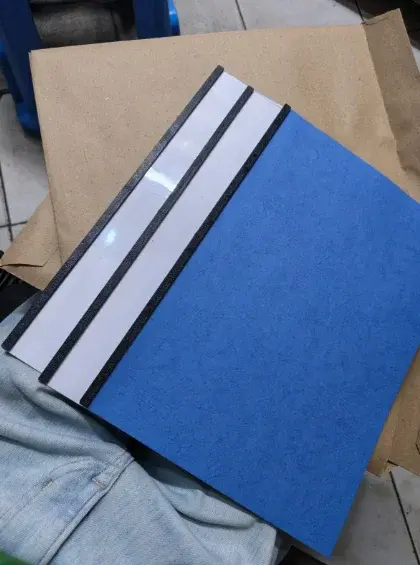
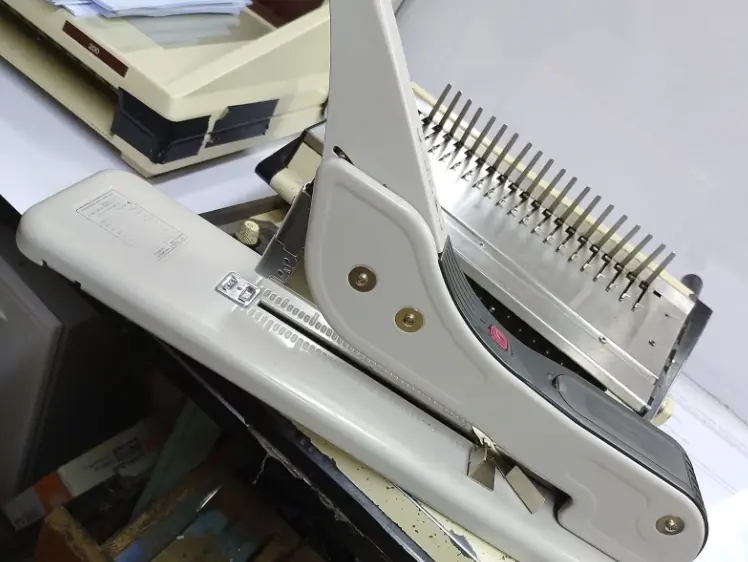
Possible options include:
-
Hardcover
-
Buckram binding
-
Spiral binding
-
Velo binding
-
Tape binding
The correct option depends on your university and whether the copy is for examination, review or final submission.
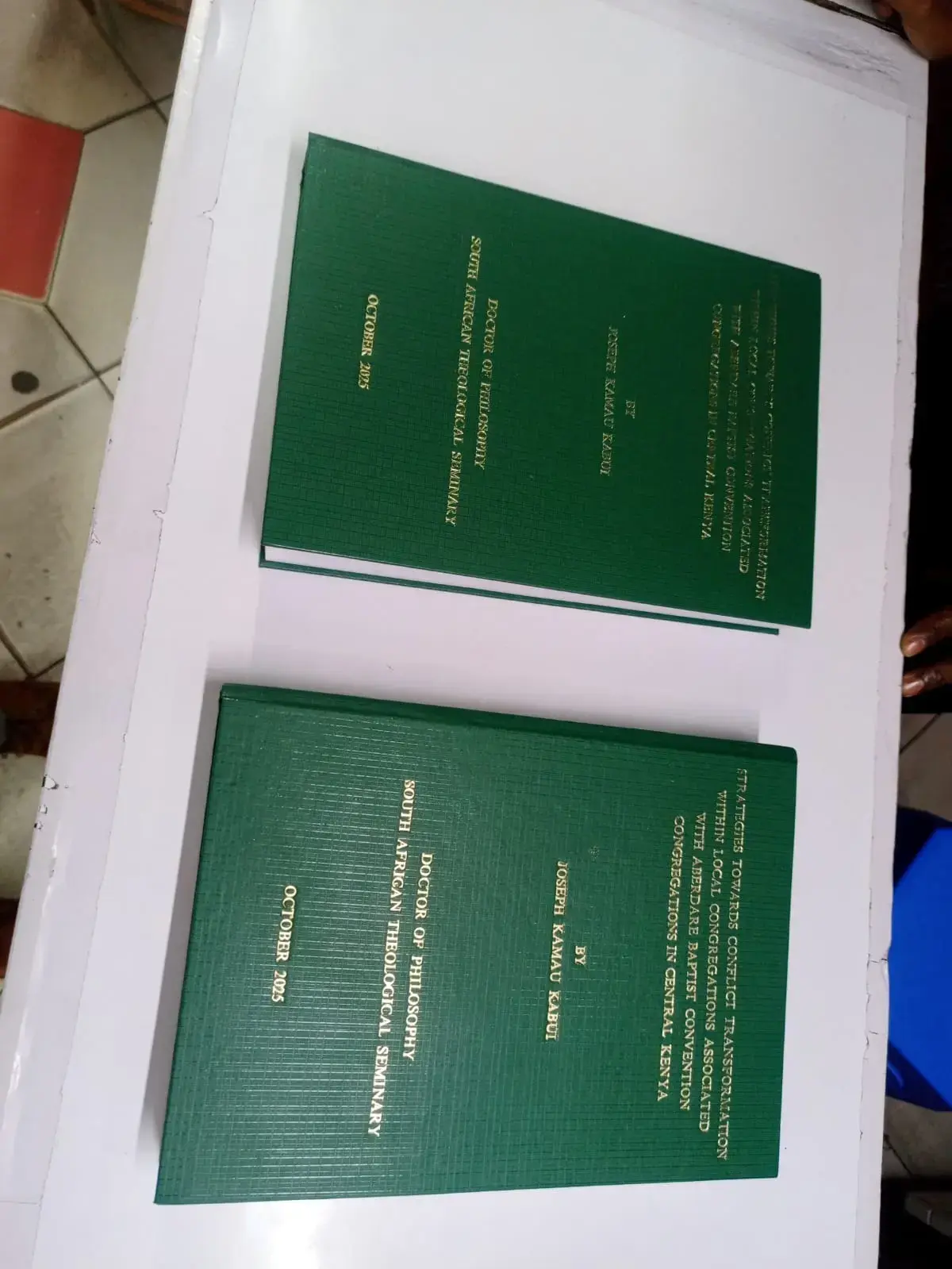
For example, University of Nairobi materials describe final hard-bound thesis copies with specific cover and spine requirements, while other academic documents may use spiral binding at an earlier stage.
Check the Cover Requirements
Your university may specify:
-
Cover colour
-
Cover material
-
Lettering colour
-
Title placement
-
Student name
-
Degree
-
Year
-
University branding
Make sure the printer has these instructions before binding begins.
Check the Spine
If your thesis requires spine lettering, confirm:
-
Student name
-
Thesis title or shortened title
-
Degree
-
Year
-
Lettering colour
-
Direction of text
Some Kenyan university guidelines provide detailed spine requirements. For example, published Kenyatta University guidelines specify gold embossing and particular information on the spine.
Final Thesis Printing Checklist
Before you hand your thesis to the printer, use this quick checklist:
Formatting
-
University guidelines checked
-
Correct paper size
-
Correct margins
-
Correct font
-
Correct font size
-
Correct line spacing
-
Headings formatted consistently
-
Chapters numbered correctly
-
Page numbers checked
Front Matter
-
Title page
-
Declaration
-
Approval/supervisor page
-
Dedication, if required
-
Acknowledgements
-
Abstract
-
Table of contents
-
List of tables
-
List of figures
-
Abbreviations/acronyms, if required
Main Thesis
-
All chapters included
-
Tables checked
-
Figures checked
-
References checked
-
Appendices included
-
Citations checked
-
Spelling and grammar reviewed
-
Final PDF created
-
Entire PDF reviewed
-
No blank pages
-
No missing pages
-
Images display correctly
-
Tables display correctly
-
Page numbers are correct
-
File name is correct
Printing
-
Number of copies confirmed
-
Colour/B&W confirmed
-
Paper requirements confirmed
-
Single/double-sided confirmed
-
Printing quotation confirmed
-
Deadline confirmed
Binding
-
Binding type confirmed
-
Cover colour confirmed
-
Cover wording confirmed
-
Spine wording confirmed
-
Lettering requirements confirmed
-
Number of bound copies confirmed
Should You Print Your Thesis Before It Is Approved?
If your thesis is still undergoing corrections, avoid printing your final bound copies too early.
A useful approach is:
Complete thesis → Supervisor review → Corrections → Final approval → Final PDF → Proof/check → Printing → Binding
This can reduce the risk of paying to print and bind a thesis that subsequently requires substantial changes.
For example, the University of Nairobi's current procedure requires a duly signed PDF and verification through the relevant university process before its Library handles printing and binding.
Where Can You Print and Bind Your Thesis in Nairobi?
Once your thesis has been approved and formatted according to your university's requirements, you can take the final PDF to a professional printing and binding service.
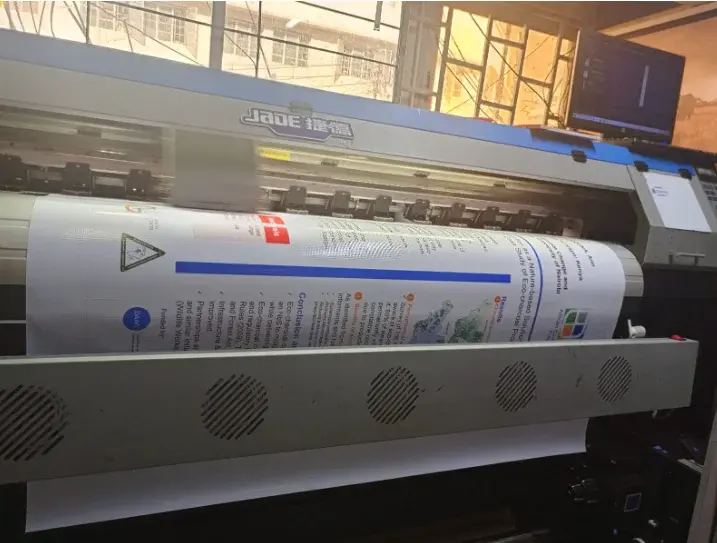
Tradecraft Printers provides thesis printing and binding in Nairobi CBD, with options for academic documents including hardcover, spiral, Velo and tape binding.
The printer can work from your final PDF and prepare the required printed and bound copies according to the specifications you provide.
For students with a university deadline, provide the printer with the page count, number of copies, binding requirements and deadline when requesting a quotation.
Frequently Asked Questions
What should I check before printing my thesis?
Check your university's formatting requirements, page size, margins, font, spacing, page numbers, references, figures, tables, appendices, cover requirements, number of copies and binding specifications.
Should I convert my thesis to PDF before printing?
Yes. A final PDF can help preserve the formatting of your completed document. However, review the PDF carefully before sending it to the printer.
Should a thesis be printed in colour?
Only where required or where colour is important to the presentation of your research. Check your university's requirements before deciding.
Should I print my thesis single-sided or double-sided?
Follow your university's guidelines. Requirements differ between institutions and programmes.
What binding should I use for my thesis?
Use the binding specified by your university. Spiral binding can be practical for drafts and examination copies, while hardcover or buckram binding may be required for final copies.
How many copies of my thesis should I print?
The required number varies by university and programme. Confirm the requirement with your department before placing your order.
Can a printing shop format my thesis?
Some printing businesses may offer formatting or document preparation assistance, but it is best to complete the academic formatting yourself or have it reviewed before printing. The printer should receive a final, approved document wherever possible.
Get Your Thesis Ready for Printing and Binding
Before sending your thesis to the printer, take a few minutes to work through the checklist above.
The most important rule is simple:
Check your university's current requirements first, then format, proofread, create your final PDF, and only then print and bind.
If you are looking for thesis printing and binding in Nairobi CBD, Tradecraft Printers can handle the printing and binding of your completed thesis or dissertation.
Provide your final PDF, number of copies, binding requirements and deadline to get a quotation.
Tradecraft Printers
Mfangano Trade Centre, Ground Floor, Shop G3
Nairobi CBD, Kenya
Phone: +254 713 445 339
Email: info@tradecraft.co.ke